Get started with Nooc
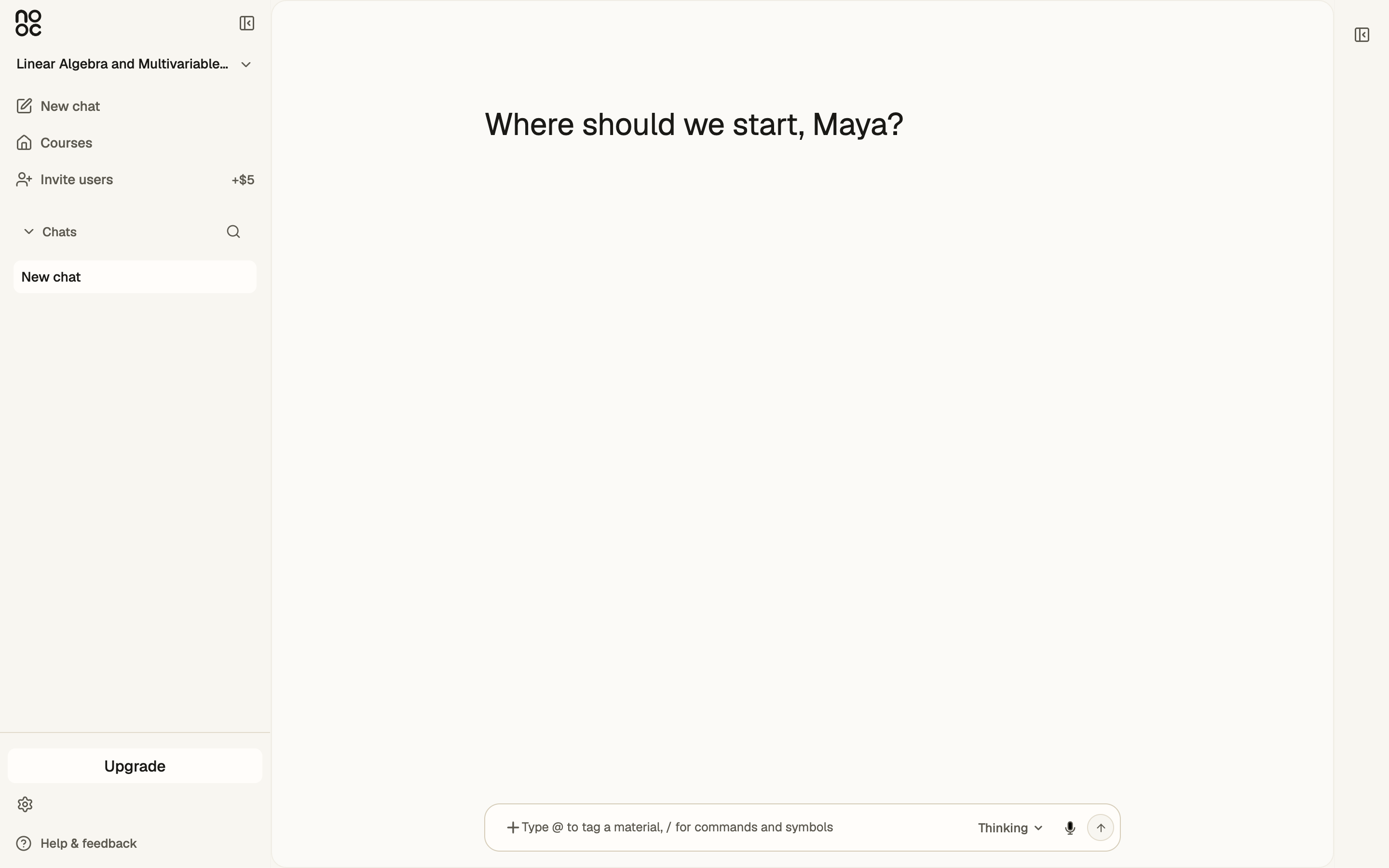
Nooc is a study workspace built around your course. You set the course up on the web, write your answers on the iPad, and work through them with a tutor that already knows the material.
Start here
- Chapter 1Set up on the webGet started
 by Nooc2026Read this chapter (I)
 - Chapter 2Connect your iPadiPad
 by Nooc2026Read this chapter (II)
 - Chapter 3Study with PenciliPad
 by Nooc2026Read this chapter (III)
 - Chapter 4SkillsFeatures
 by Nooc2026Read this chapter (IV)
 - Chapter 5Code workspaceFeaturesby Nooc2026Read this chapter (V)
- Chapter 6Quick answersHelpby Nooc2026Read this chapter (VI)
How Nooc fits together
Everything in Nooc hangs off one course. Set it up once, and every surface reads from the same place.
- Your course
- Your files, the questions Nooc finds in them, your chats, and your answers.
- The web
- Where you create the course, talk to Nooc, and answer in code, text, or a canvas.
- The iPad
- Where you write by hand. What you send lands in the same course and the same chats.